
Choosing a Discount Rate for an AI Business Case
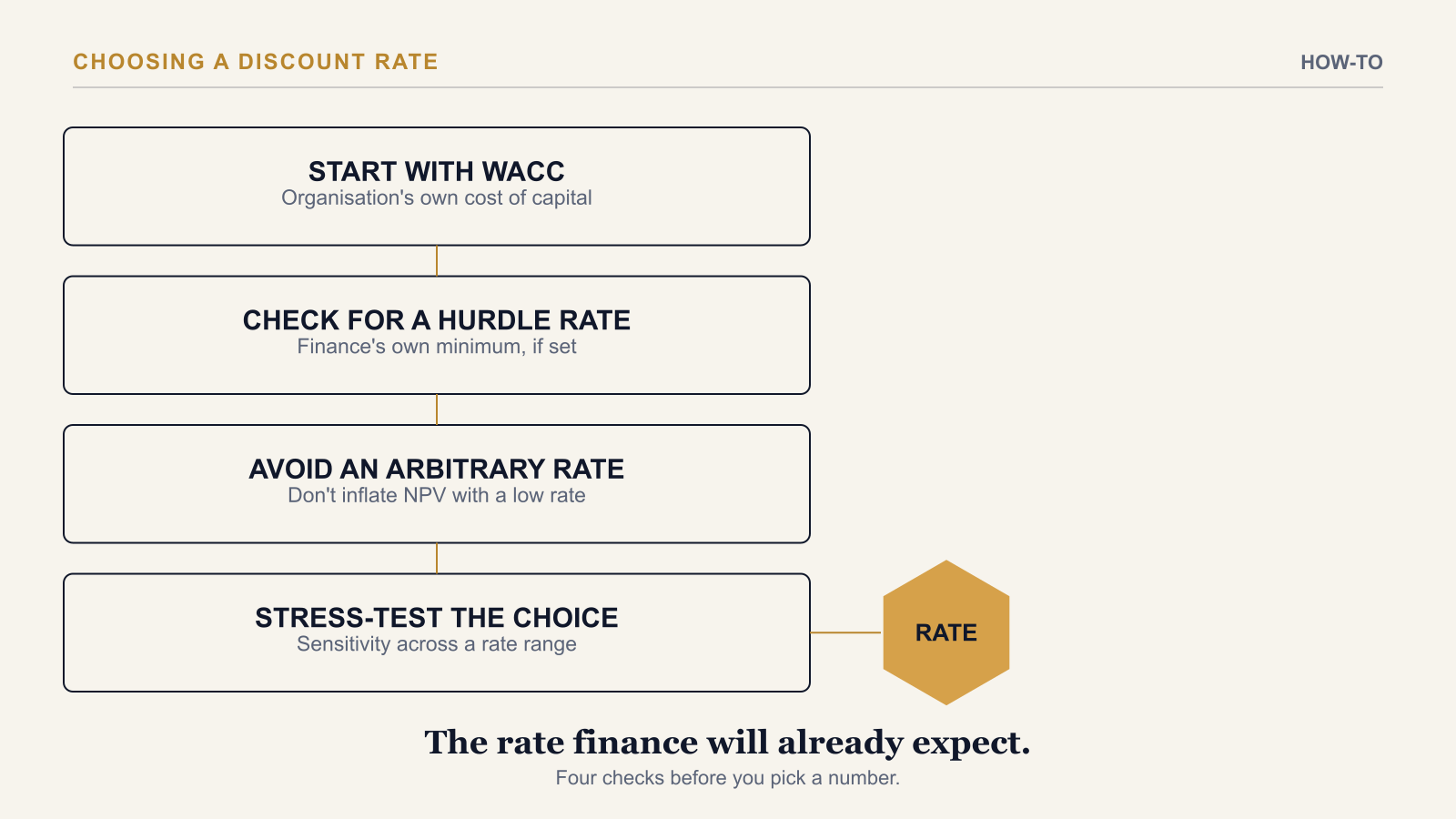
To choose a discount rate for an AI business case, start with your organisation's own WACC or internal hurdle rate — typically 8% to 15% for an enterprise programme — rather than picking an arbitrary figure, then stress-test the result across a range so the business case holds up even if finance applies a different rate than your base assumption. The discount rate is one of the few inputs in an AI business case a programme team does not get to choose freely; finance already has a view, and the business case should reflect it rather than argue around it.
Step 1: Find the Organisation's Own Rate First
Before modelling anything, ask finance — or check the organisation's capital-allocation policy — for the official WACC or hurdle rate. Most enterprise organisations have one, even if programme teams outside finance rarely see it stated explicitly. If no official rate exists, 10% is a widely used default for enterprise AI business cases — not because it is universally correct, but because it sits in the middle of the typical 8–15% range and rarely surprises a finance reviewer.
Step 2: Understand What the Rate Actually Represents
The discount rate is the return the organisation could expect from deploying the same capital elsewhere — in another project, in the business generally, or in the market. A programme's NPV is only meaningful relative to that benchmark: a positive NPV at the organisation's real discount rate means the AI investment beats the alternative use of that capital; a positive NPV only at an artificially low rate means it does not, and the business case is quietly borrowing credibility it has not earned.
Step 3: Avoid the Two Common Mistakes
The first mistake is using a rate lower than the organisation's standard to inflate NPV. Finance will apply their own rate regardless of what the business case assumes, so a lower rate does not change the real outcome — it only signals, immediately, that the programme team is managing optics rather than presenting an honest analysis. The second is treating the discount rate as fixed across every scenario. A Conservative scenario reasonably uses a higher rate than a Base or Aggressive case, reflecting the additional risk a more pessimistic set of assumptions already implies — one flat rate everywhere understates how much riskier the downside case really is.
Step 4: Stress-Test the Choice
Run the NPV calculation across a range of discount rates — typically 5% through 20% — rather than presenting a single figure. This answers the question a sharp finance reviewer will ask immediately after seeing the headline NPV: how sensitive is this number to the rate you chose? A business case where NPV stays positive across a wide band of plausible discount rates is a materially stronger case than one that only works at exactly 8%. For how this rate sensitivity fits alongside benefit-realisation and cost-variance sensitivity testing, see The Four Financial Metrics Every CFO Expects in an AI Investment Case — and for the metric the discount rate feeds into directly, see What NPV Means in an AI Business Case.
A Hypothetical Worked Example
Picture an AI initiative with a $220,000 Year 0 cost and ramp-adjusted net benefits building from $90,000 in Year 1 to $210,000 in Year 3. At a 10% discount rate, the case returns a solidly positive NPV. Re-run at 15% — the upper end of a typical enterprise hurdle-rate range — and the NPV is still positive, though smaller; re-run at 20%, and it turns negative. That range is the honest finding to bring to finance: the programme clears a typical hurdle rate with room to spare, but is not resilient to an unusually conservative one — useful context for the conversation, not a reason to hide the 20% result.
The AI Investment ROI Model runs the sensitivity table described above automatically — NPV recalculated across a configurable discount-rate range alongside benefit-realisation and cost-variance sensitivity, so the rate you choose is a defensible input, not a guess reviewed once and forgotten.
→ Available at www.viksya.com